Free Auto Clicker vs OP Auto Clicker and GS Auto Clicker
Compare Free Auto Clicker with OP Auto Clicker and GS Auto Clicker: repeating clicks versus multi-point Windows sequences, hotkeys, profiles, and a browser demo.
Download for WindowsWindows 10/11 · x64 · Free · v8.1.0
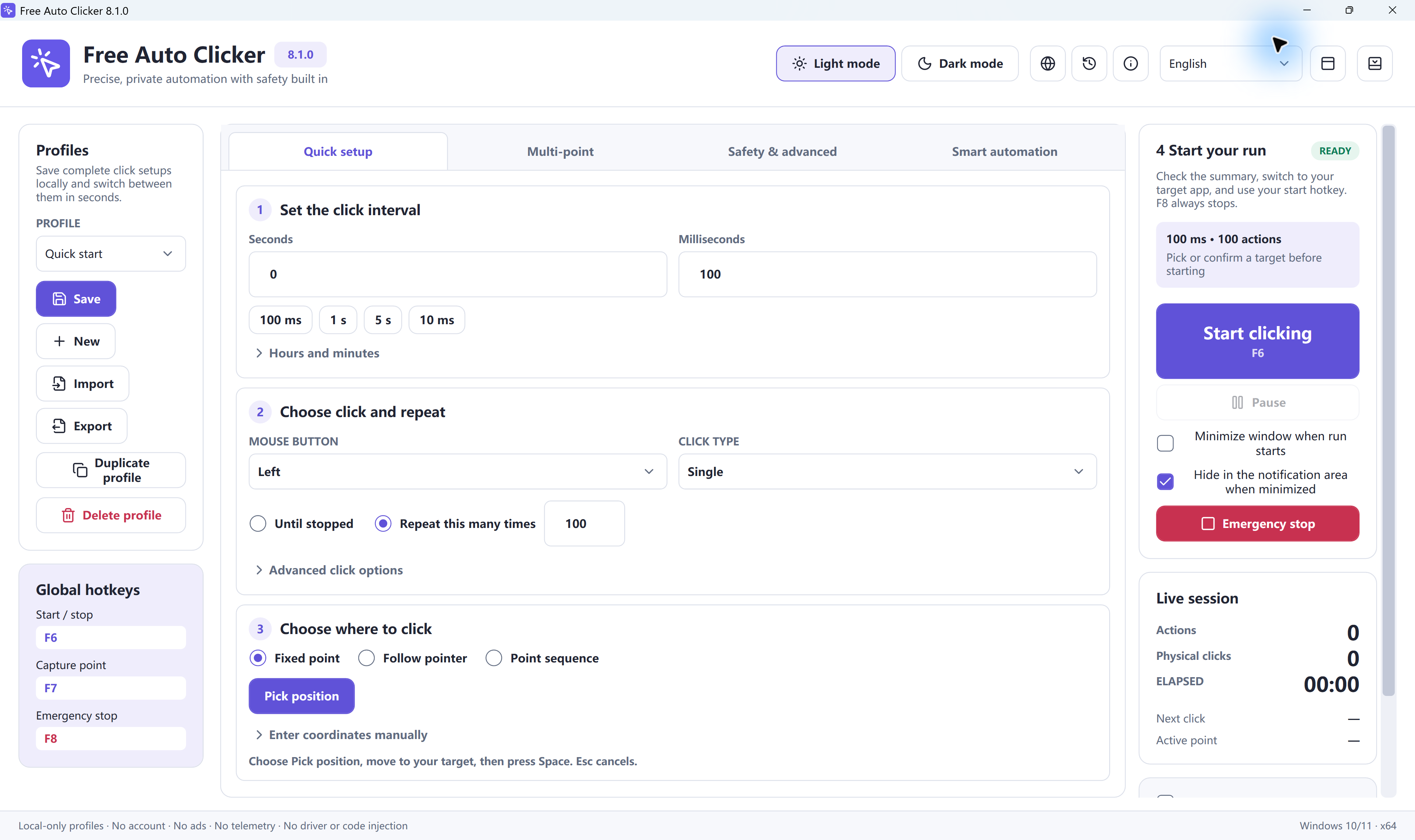
OP Auto Clicker and GS Auto Clicker are simple repeating-click tools. Free Auto Clicker 8.1.0 is a free Windows app for multi-point sequences, window-relative coordinates, and saved profiles. This page states the real differences so you can pick the workflow you need.
| Capability | Free Auto Clicker 8.1.0 | OP Auto Clicker / GS Auto Clicker |
|---|---|---|
| Price | Free Windows download | Typically free |
| Click pattern | Recorded multi-point sequences you can edit and replay | Usually a repeating click at one cursor location or a small fixed set of points |
| Window-relative positions | Yes, clicks can stay aligned to a selected window | Usually screen coordinates only |
| Hotkeys | F6 start/stop, F7 capture, F8 emergency stop | Configurable start/stop hotkeys; emergency-stop design varies |
| Conditions and profiles | Pixel waits and reusable .fac files | Limited or absent in the common simple builds |
| Try without installing | Browser demo on this site | No official in-page demo on this website |
| Platform | 64-bit Windows 11 and 10 | Windows; check each vendor for current OS support |
When a simple repeater is enough
If you only need the mouse to click the same spot while you hold the cursor there, OP Auto Clicker or GS Auto Clicker can be enough. They are widely used for that narrow job.
When to use Free Auto Clicker
Use Free Auto Clicker when the task moves between several controls, when the target window can be dragged, or when you need a saved sequence with a stop limit. That is the workflow in the Windows guides.
This is not a claim that other tools are unsafe. Download any installer only from that product’s official site, and download Free Auto Clicker only from the official URL below.
Download Free Auto Clicker for Windows
The official installer is a free download. Use the browser demo first if you only want to feel interval timing on this page.
Ready to automate the clicks on your PC?
Free Auto Clicker repeats clicks at the interval you choose, in any Windows app.
Download for WindowsWindows 10/11 · x64 · Free · v8.1.0