Verify the Free Auto Clicker Download
Confirm the official Free Auto Clicker download URL and record the SHA-256 of the exact installer you received.
Download for WindowsWindows 10/11 · x64 · Free · v8.1.0
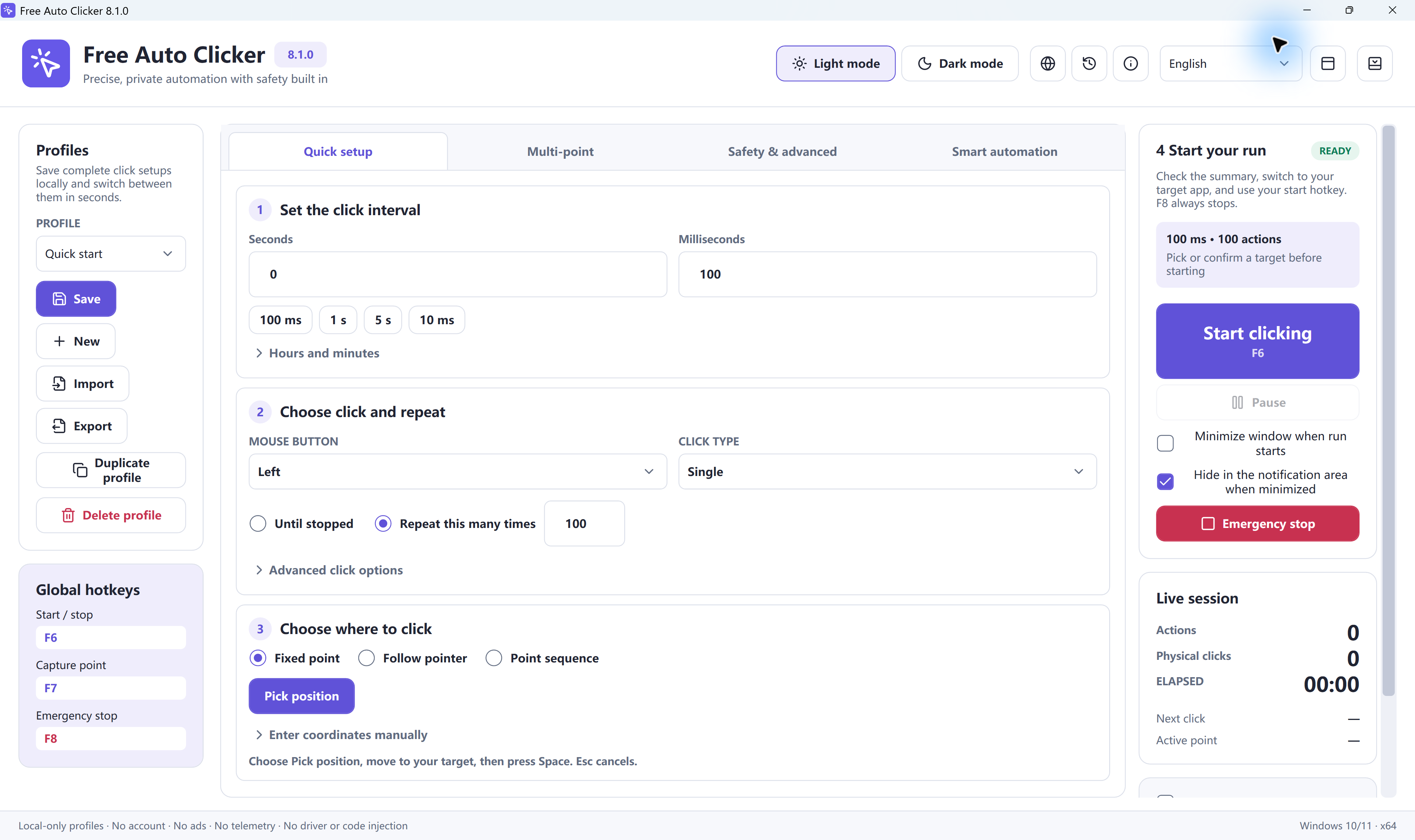
Use this checklist to confirm that an installer came from the official Free Auto Clicker website. Record the SHA-256 of the exact file you received.
Current installer verification
- Application version / installer revision
- Free Auto Clicker 8.1.0 (FreeAutoClicker.exe)
- Verified on
- 2026-10-17
- Official URL
- https://www.free-auto-clicker.com/FreeAutoClicker.exe
- File size
- 5,881,896 bytes
- SHA-256
- 68B22F9AA58CF858FD0B220669F680A87063ED00FF6CCF6901E5F079CDDF2DA3
- Signature status
- Valid, timestamped Certum Authenticode signatures on the setup, the main program and its DLL.
This size and SHA-256 apply to the direct setup at /FreeAutoClicker.exe. Older download links can deliver a different outer package with its own checksum.
Compare the file size and SHA-256
- Download the installer from the official URL above.
- Open PowerShell in the folder that contains the downloaded file. Substitute its actual local filename below if your browser renamed it.
- Run
(Get-Item .\FreeAutoClicker.exe).LengthandGet-FileHash .\FreeAutoClicker.exe -Algorithm SHA256. - Compare both results with the values above. If either differs, download again from the official URL and contact support if the mismatch persists.
Then open Properties → Digital Signatures in Windows and confirm the signature is valid.
Get the installer from the official source
Download from the official link on this page, then compare the downloaded file with the published size and SHA-256.
Download Free Auto Clicker 8.1.0Ready to automate the clicks on your PC?
Free Auto Clicker repeats clicks at the interval you choose, in any Windows app.
Download for WindowsWindows 10/11 · x64 · Free · v8.1.0