Free Auto Clicker 8.1.0 Release Notes
Free Auto Clicker 8.1.0 release notes: multi-point sequences, window-relative positions, pixel conditions, profiles, schedules, safer timing, and Windows support.
Download for WindowsWindows 10/11 · x64 · Free · v8.1.0
What is in Free Auto Clicker 8.1.0
Version 8.1.0 was published on 17 October 2026 for Windows 10 (version 2004 or later) and Windows 11, x64.
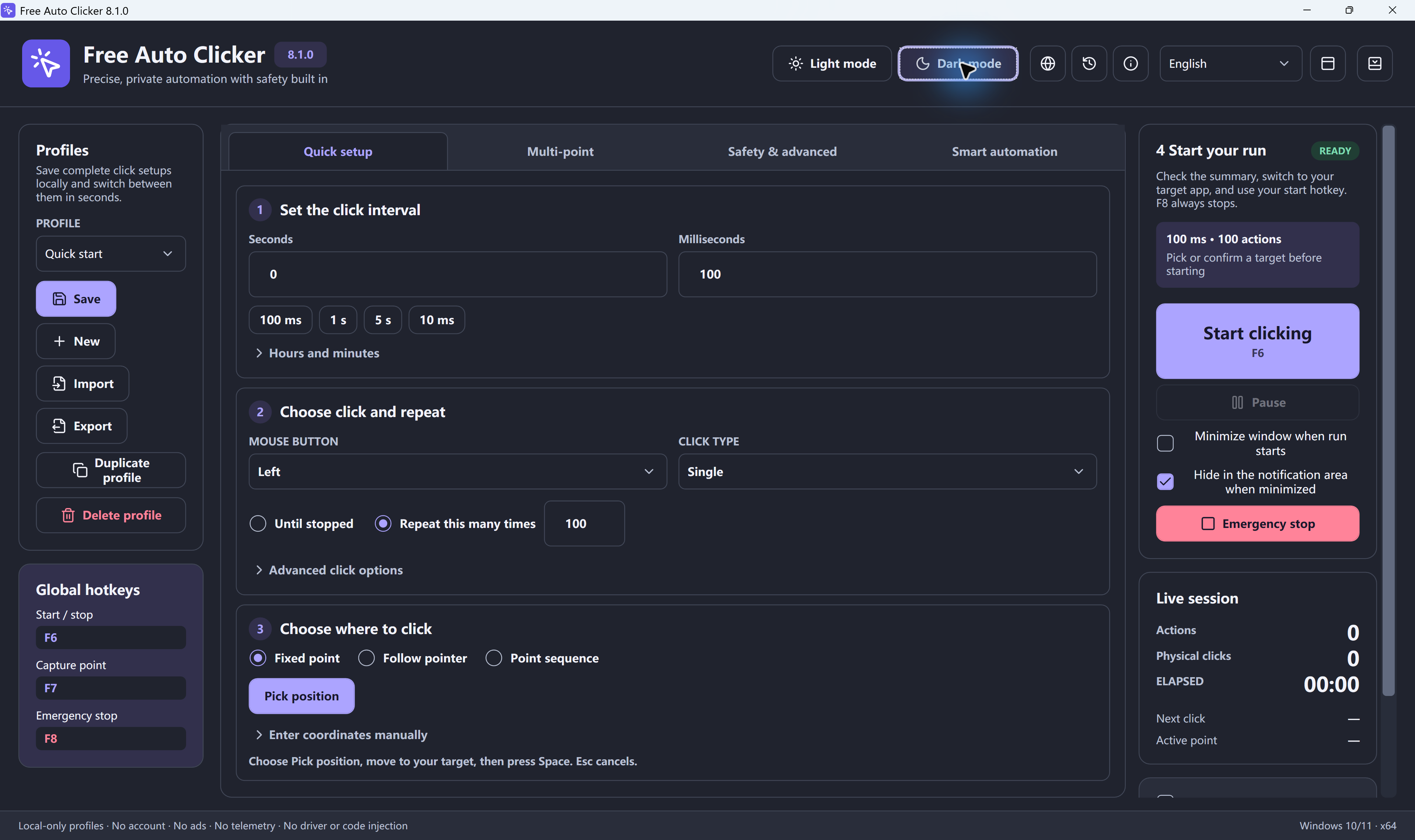
- Quick setup in four steps: set the interval, choose click options, choose where to click, then review and start. Advanced options stay folded until you need them.
- Intervals and repeats: hours, minutes, seconds and milliseconds, a 5 ms minimum setting, presets, a start delay, timing variance, and runtime or click limits.
- Mouse actions: left, right, middle, X1 and X2 buttons; single, double and triple clicks; press and hold.
- Three target modes: fixed point, follow pointer and point sequence.
- Point sequences: up to 10,000 points, click recording, per-point delay and repeats, and undo/redo for up to 50 edits.
- Control: F6 start/stop, F7 capture, fixed F8 emergency stop, Ctrl/Alt combinations, hold-to-run, a floating control bar and tray menu.
- Optional automation: window-relative targets, pixel color conditions, a key combination or text after each click, and a scheduled start time.
- Profiles and history: up to 200 profiles with .fac import/export, and up to 500 local sessions with CSV export.
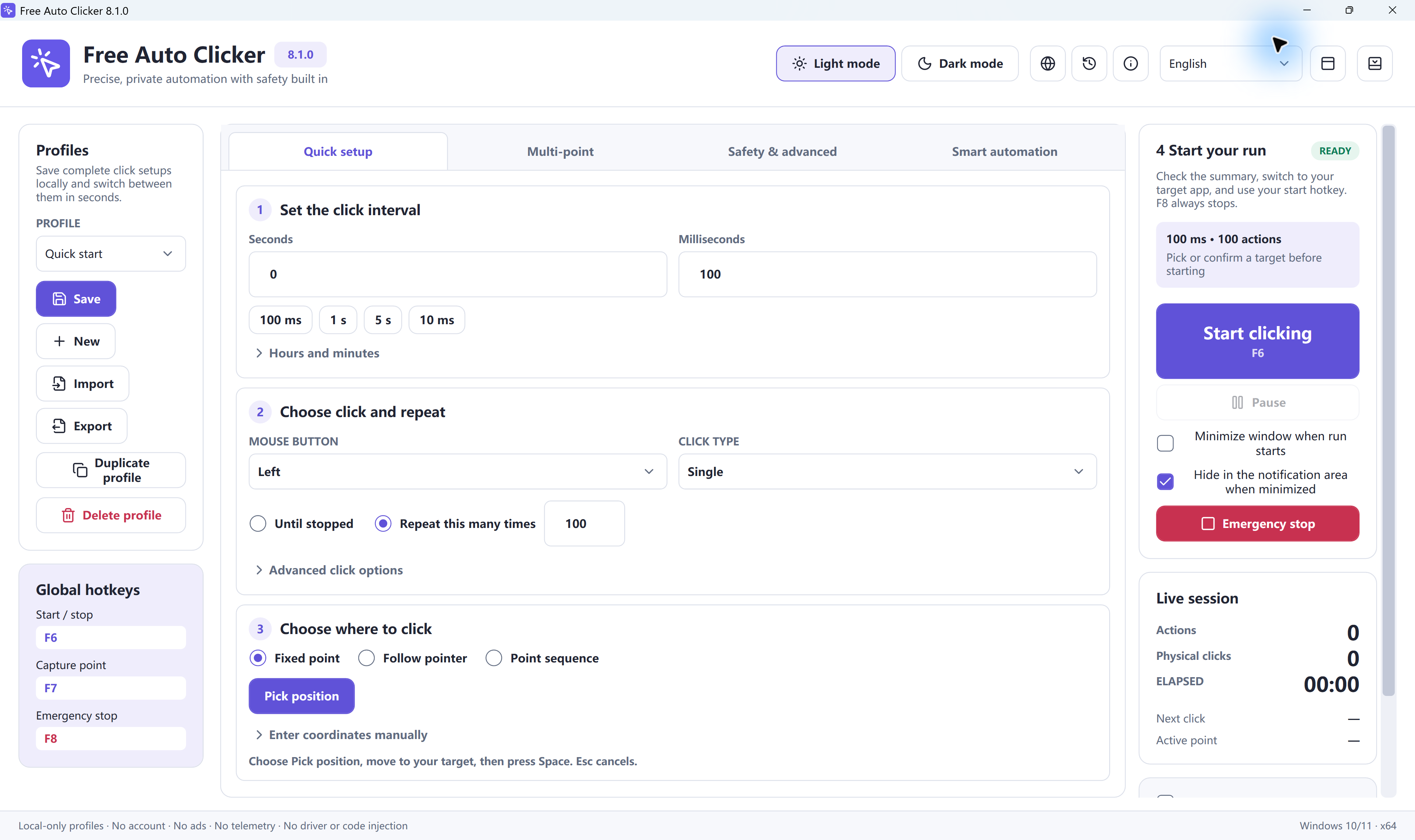
- Interface: Light and Dark themes and 10 languages: English, Simplified Chinese, Spanish, Brazilian Portuguese, Hindi, Arabic, Indonesian, French, German and Japanese.
Setup checks for Microsoft .NET Desktop Runtime 8 x64 and offers to download it from Microsoft if it is missing. Setup file: 5,881,896 bytes, SHA-256 68B22F9AA58CF858FD0B220669F680A87063ED00FF6CCF6901E5F079CDDF2DA3.
Free Auto Clicker 8.1.0 is the current public website release for Windows 11 and Windows 10. This page summarizes the controls and workflows documented across the official guides.
What is included in 8.1.0
- Multi-point sequences: record several click positions, review the command order, and replay the sequence.
- Window-relative positions: keep coordinates aligned to a selected window when the window moves.
- Pixel color conditions: wait for a visible on-screen state before continuing a step.
- Timing controls: configure intervals, schedules, limits, pauses, and optional timing variation.
- Reusable profiles: save repeatable setups and load them again instead of rebuilding each sequence.
- Combined actions: add supported mouse and keyboard actions after a click.
- Safety controls: use F6 to start or stop, F7 to capture a coordinate, and the fixed F8 emergency stop.
Recommended first run
- Download only from the official permanent URL below.
- Record the SHA-256 of the exact file you received.
- Create a two-point test sequence in a harmless document or test window.
- Set a deliberate interval and a small repeat limit.
- Confirm F8 stops the run before increasing its length.
For complete instructions, open the Free Auto Clicker Guides or review the download verification page.
Download Free Auto Clicker 8.1.0
The download URL remains stable so bookmarks and verified links continue to work.
Download 8.1.0 – FreeReady to automate the clicks on your PC?
Free Auto Clicker repeats clicks at the interval you choose, in any Windows app.
Download for WindowsWindows 10/11 · x64 · Free · v8.1.0