Is Free Auto Clicker Safe? Security & Privacy Facts
Free Auto Clicker 8.1.0 is a Windows mouse automation application. Review the installer details, system requirements, and file verification steps before installing.
Download for WindowsWindows 10/11 · x64 · Free · v8.1.0
Free Auto Clicker security facts
| Application / installer revision | 8.1.0 / 8.1.0.0 |
|---|---|
| Supported platform | Windows 11 and Windows 10, 64-bit |
| Installer size | 5881896 bytes (approximately 5.6 MiB) |
| Digital signature | Valid, timestamped Certum Authenticode signature (Beijing Qingruan Chuangxiang Technology Co., Ltd.) |
| Installation scope | All users; administrator approval is requested when Setup starts |
Check the current download
Compare the file size and SHA-256 with the published details for this release. A matching checksum confirms that the download matches the published file; it does not certify software safety.
Keep Windows and your security software updated, check the download source, and review any warning before approving an installer.
How to verify the downloaded file
- Download Free Auto Clicker from the official download page.
- Confirm the downloaded filename is FreeAutoClicker.exe.
- Check that the file size is 5881896 bytes.
- In PowerShell, run
Get-FileHash .\FreeAutoClicker.exe -Algorithm SHA256. - Compare the result with
68B22F9AA58CF858FD0B220669F680A87063ED00FF6CCF6901E5F079CDDF2DA3.
Installation permissions and requirements
Setup installs for all users and requests administrator approval at startup. Its compact classic wizard is in English; the app keeps its separate language and theme settings. When you click Install, setup checks for Microsoft .NET Desktop Runtime 8 x64. If it is missing, setup offers to download the official Microsoft runtime, verifies it, and installs it before installing Free Auto Clicker.
What setup installs
This download installs Free Auto Clicker 8.1.0. When you click Install, setup checks for Microsoft .NET Desktop Runtime 8 x64. If it is missing, setup offers to download the official Microsoft runtime, verifies it, and installs it before installing Free Auto Clicker.
What if Windows or antivirus software shows a warning?
Review any Windows or security-software warning before proceeding. Check the source, compare the published checksum, and review your security software’s assessment of the file.
Use automation responsibly
Free Auto Clicker is intended to reduce repetitive manual clicking in desktop workflows. Before automating a website, game, or third-party service, check its rules and terms of use. Do not use automated clicking to bypass security controls, manipulate online voting, perform unattended financial transactions, or gain an unfair competitive advantage.
Frequently asked questions
How can I review this download?
Use the published file size and SHA-256 to identify this installer, and consider your security software’s assessment before installing.
Where are profiles and settings stored?
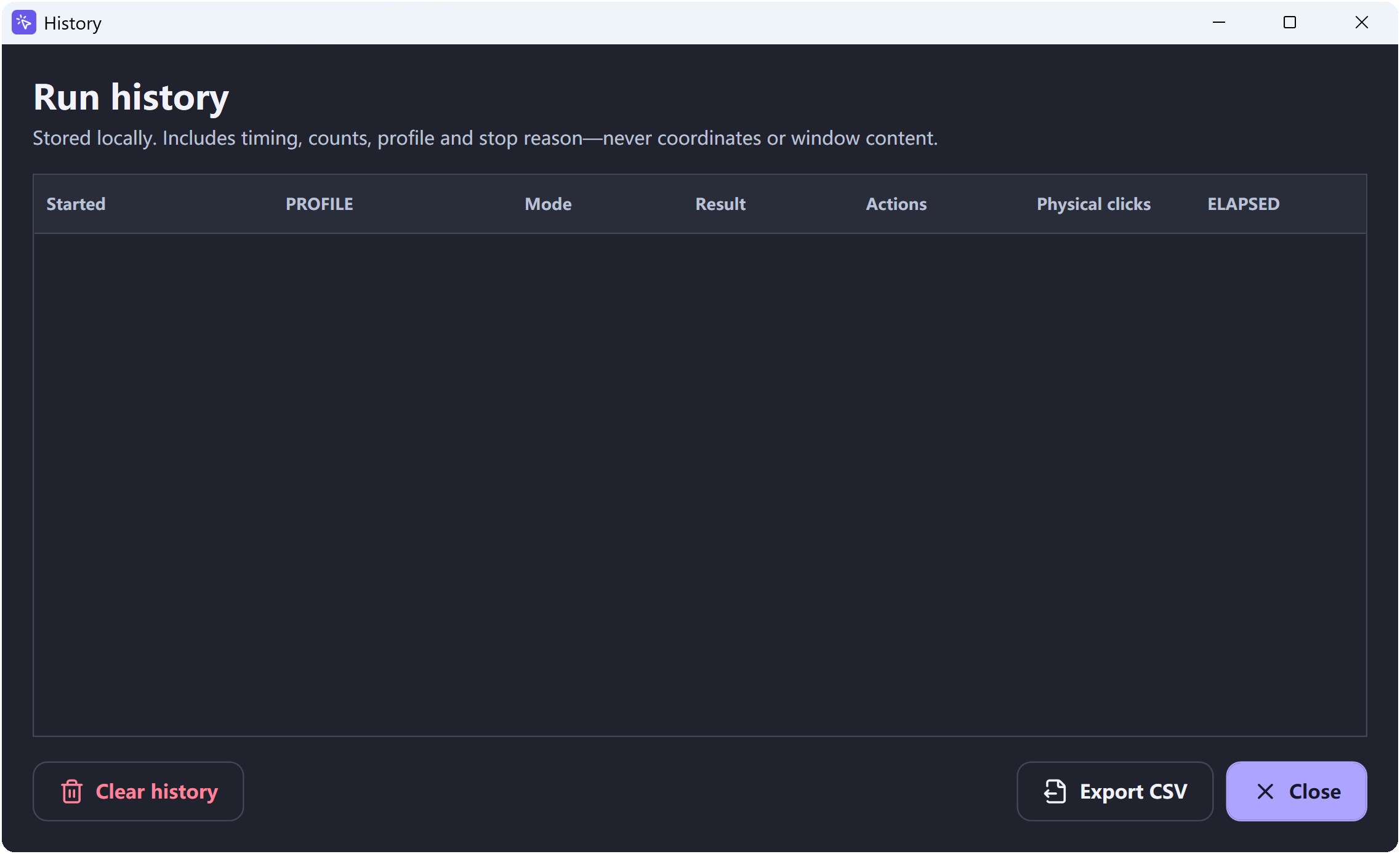
Free Auto Clicker stores its profiles, settings, and run history locally on your computer.
Is a portable version available?
The current 64-bit Windows release uses an installer. Setup installs for all users and requests administrator approval at startup. Its compact classic wizard is in English; the app keeps its separate language and theme settings.
For installation instructions and complete system requirements, visit the official Free Auto Clicker download page. You can also review the Windows 11 compatibility guide.
Want to check the installer yourself? Follow the step-by-step guide to verify a digital signature on Windows with File Properties or PowerShell before installation.
Ready to automate the clicks on your PC?
Free Auto Clicker repeats clicks at the interval you choose, in any Windows app.
Download for WindowsWindows 10/11 · x64 · Free · v8.1.0