Auto Clicker for Chromebook (Free, No Download)
Run a free online auto clicker in Chrome on your Chromebook. Nothing to install, no extension, no sign-up.
Start the online auto clickerRuns in Chrome · Free · No extension
Short answer: the online auto clicker below works on any Chromebook, including school Chromebooks, because it is a normal web page. It clicks targets on this page only. A website cannot click other tabs, ChromeOS menus, Android apps or games.
- No download
- No extension
- Works in Chrome
- Free
Keyboard: Space start or stop (like F6) · Esc emergency stop (like F8). Clicks stay on these three targets.
Nothing is uploaded or stored. Total clicks: 0
What works on a Chromebook
- The online auto clicker on this page. Set an interval, pick how many clicks, and watch it cycle through three targets.
- Click speed practice. Use the CPS test or the auto clicker speed test to see what an interval feels like.
- ChromeOS automatic clicks. ChromeOS has a built-in accessibility setting that clicks when the pointer stops moving. Look for Automatic clicks under Settings › Accessibility › Cursor and touchpad. On a school device, your administrator may hide it.
What a website cannot do
Browsers isolate every tab. An ordinary web page is not allowed to send trusted clicks into another site, the ChromeOS shelf, Android apps or games. That is a security rule, so any site that promises to click "anywhere" from a browser tab is not telling the truth.
Using an auto clicker on a school Chromebook
School Chromebooks are managed. They usually block installing apps and extensions, which is why people search for an auto clicker with no download. This page needs no install, so it opens wherever the website itself is allowed. Follow your school's rules: do not use automation in tests, exams or anything your teacher has not allowed.
Chromebook auto clicker options compared
| Option | Install needed | Where it clicks |
|---|---|---|
| Online auto clicker (this page) | No | Targets on this page |
| ChromeOS Automatic clicks | No, built in | Wherever the pointer rests |
| Chrome Web Store extensions | Yes, often blocked at school | Inside web pages, per extension |
| Free Auto Clicker for Windows | Yes, Windows PC only | Any permitted Windows app |
Have a Windows PC too?
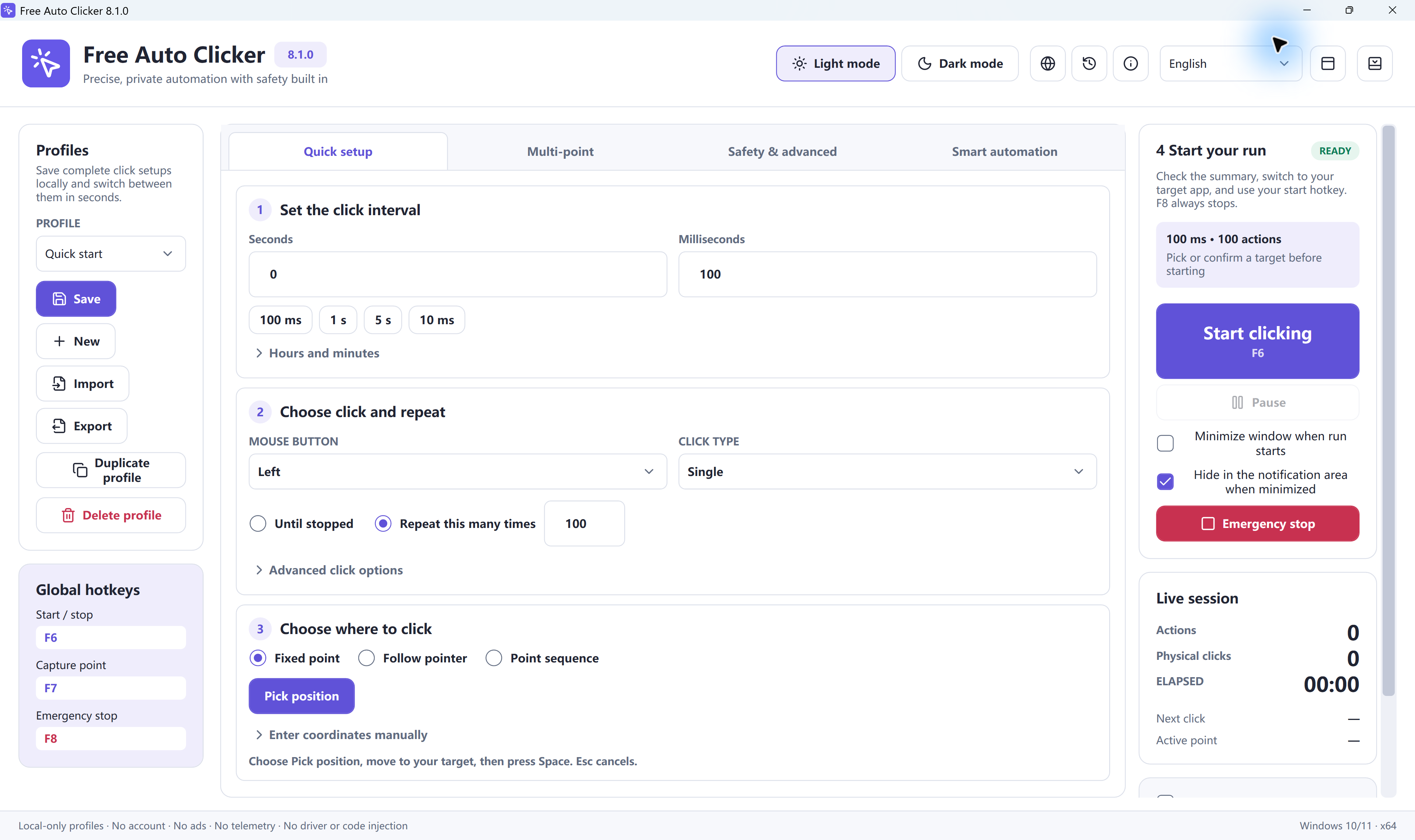
Free Auto Clicker 8.1.0 is a free Windows app for clicking in other programs: multi-point sequences, F6 to start and stop, F8 for an emergency stop, saved profiles and run limits. It does not run on ChromeOS.
Download Free Auto Clicker 8.1.0Open the full online auto clicker
Frequently asked questions
Is there a free auto clicker for Chromebook with no download?
Yes. The online auto clicker on this page runs in Chrome with no download or extension. It clicks targets on this page only.
Does this auto clicker work on a school Chromebook?
It is a normal web page, so it opens wherever this website is allowed. Follow your school's rules and never use automation in tests or exams.
Can an online auto clicker click in Roblox or other games on a Chromebook?
No. Browsers block web pages from clicking other tabs, apps or games. Only the targets on this page receive clicks.
Does ChromeOS have a built-in auto clicker?
ChromeOS has an accessibility setting called Automatic clicks that clicks when the pointer stops moving. It is under Settings, Accessibility, Cursor and touchpad, unless your administrator has hidden it.
Can I install Free Auto Clicker on a Chromebook?
No. Free Auto Clicker is a Windows app for Windows 11 and Windows 10 (64-bit). On a Chromebook, use the online auto clicker instead.
Ready to automate the clicks on your PC?
Free Auto Clicker repeats clicks at the interval you choose, in any Windows app.
Download for WindowsWindows 10/11 · x64 · Free · v8.1.0