Roblox
Simulator clicking, tool swings and shop buttons.
Settings for clicker, idle, simulator, sandbox and RPG games on Windows, with F6 to start and F8 to stop.
Download for WindowsWindows 10/11 · x64 · Free · v8.1.0
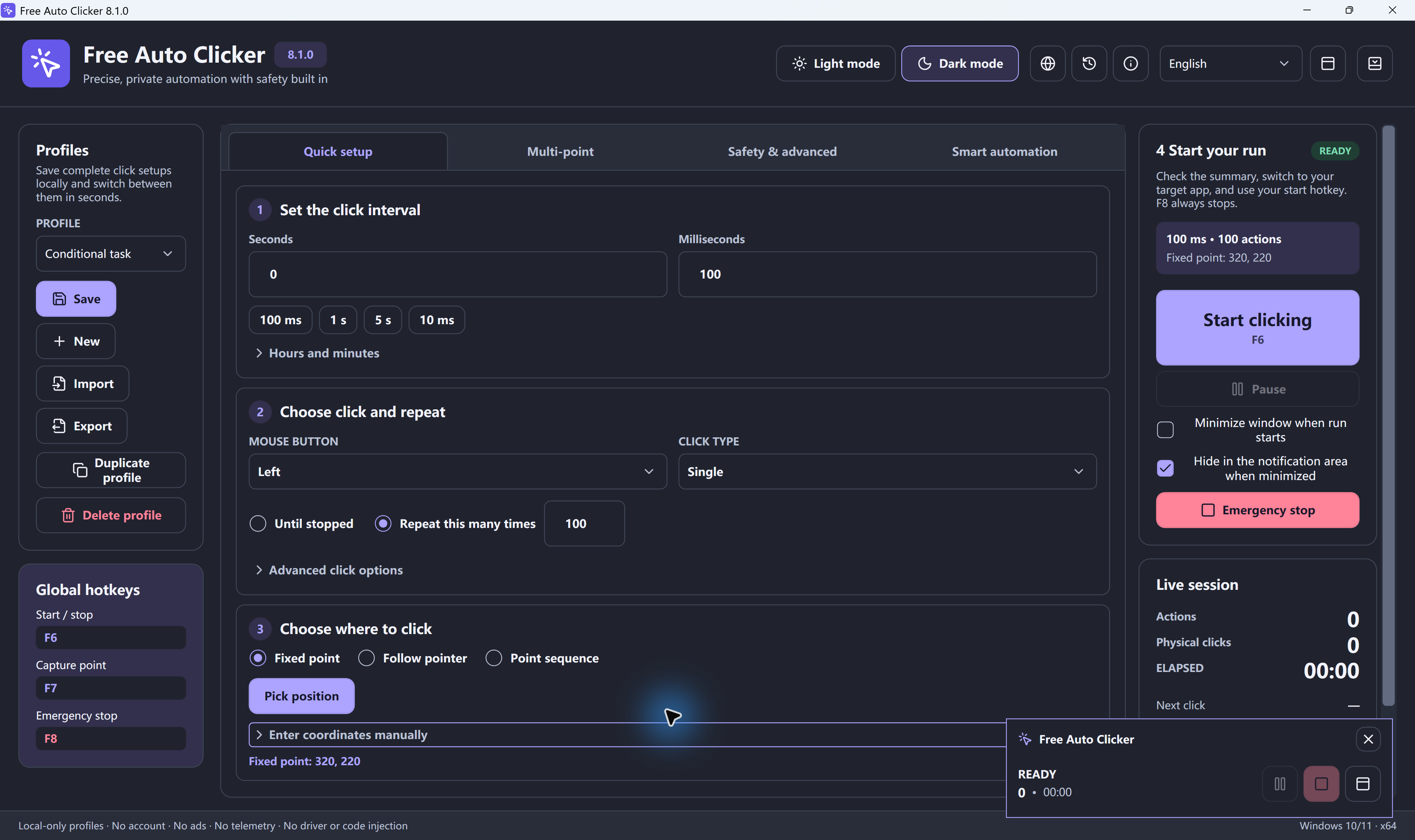
Short answer: Free Auto Clicker works in games that accept normal Windows mouse input. It does not bypass anti-cheat systems and cannot click games running as administrator. Single-player and idle games are the safest place to use it; competitive online games usually forbid it.
Simulator clicking, tool swings and shop buttons.
Mob farms, mining, AFK fishing and placing blocks.
Try the online demo first, then use the app on the game tab.
| Game type | Target | Starting interval |
|---|---|---|
| Clicker and idle games (Cookie Clicker style) | Fixed point on the big button | 20–100 ms |
| Simulators | Follow pointer | 50–100 ms |
| Sandbox and survival | Follow pointer, single or hold | 150–1,000 ms |
| RPG grinding with menus | Point sequence | Per-point delay, 300 ms or more |
| Upgrades in a fixed order | Point sequence | 500 ms or more |
The shortest setting is 5 ms, but a game decides how many clicks it actually accepts. If extra clicks are ignored, a slower interval is just as effective and easier on the game.
Read each game's rules. Automation is usually fine in single-player and idle games and often banned in ranked, PvP or economy-based online games. Use limits, watch the run, and keep F8 ready.
Some games need a key press, such as E or Space, as well as clicks. Free Auto Clicker can send a key combination on every cycle. See the auto key presser guide.
Download Free Auto Clicker 8.1.0Interval calculator
It can in games whose rules forbid automation, which includes many competitive online games. Single-player and idle games rarely mind. Always check the game's rules.
Some full-screen games ignore software clicks. If that happens, switch the game to windowed or borderless mode.
You can set intervals from 5 ms. How many clicks a game accepts depends on the game itself, your PC and Windows.
No. Free Auto Clicker uses standard Windows input and does not try to get around anti-cheat systems or administrator windows.
Yes. Choose Point sequence and add up to 10,000 points, each with its own delay and repeat count.
Free Auto Clicker repeats clicks at the interval you choose, in any Windows app.
Download for WindowsWindows 10/11 · x64 · Free · v8.1.0